Initial
Seeing many excellent websites or tech stacks, I also want to set up one locally for fun. It’s like seeing others eat ice cream and craving to try it myself. Also, when the supplier’s services can no longer meet my needs or the cost becomes unbearable, based on security, privacy, and convenience, I started the journey of tinkering. Homelab is both a toy and an interest.
At work, I’ve had the fortune to come into contact with many switches, servers, and other hardware resources. I also have some knowledge of networking and software. Seeing the private racks casually placed in the big houses of various big shots and the desktop peripherals that reek of money, besides feeling sour, I vaguely sensed that this thing would be quite expensive. Others drive Lamborghinis; I don’t have to torture myself to keep up. I’ll start with a little yellow bike (shared bike) to explore.
Process
I counted what I could afford and started looking for equipment lists from video sites and third-party forums. I bought a Raspberry Pi 4B (2 cores/4GB RAM/32GB storage). For private cloud storage, I bought a QNAP NAS during JD’s 618 sale. To permanently solve the lack of server resources for work, I bought a well-configured second-hand DELL R620. I also bought a TP-Link hub, network cables, and various accessories. Later, I started getting cocky and planned to get a rack, but late at night, I restrained myself with self-discipline. This also stemmed from the realization during practice that I lacked clear awareness of some things initially.
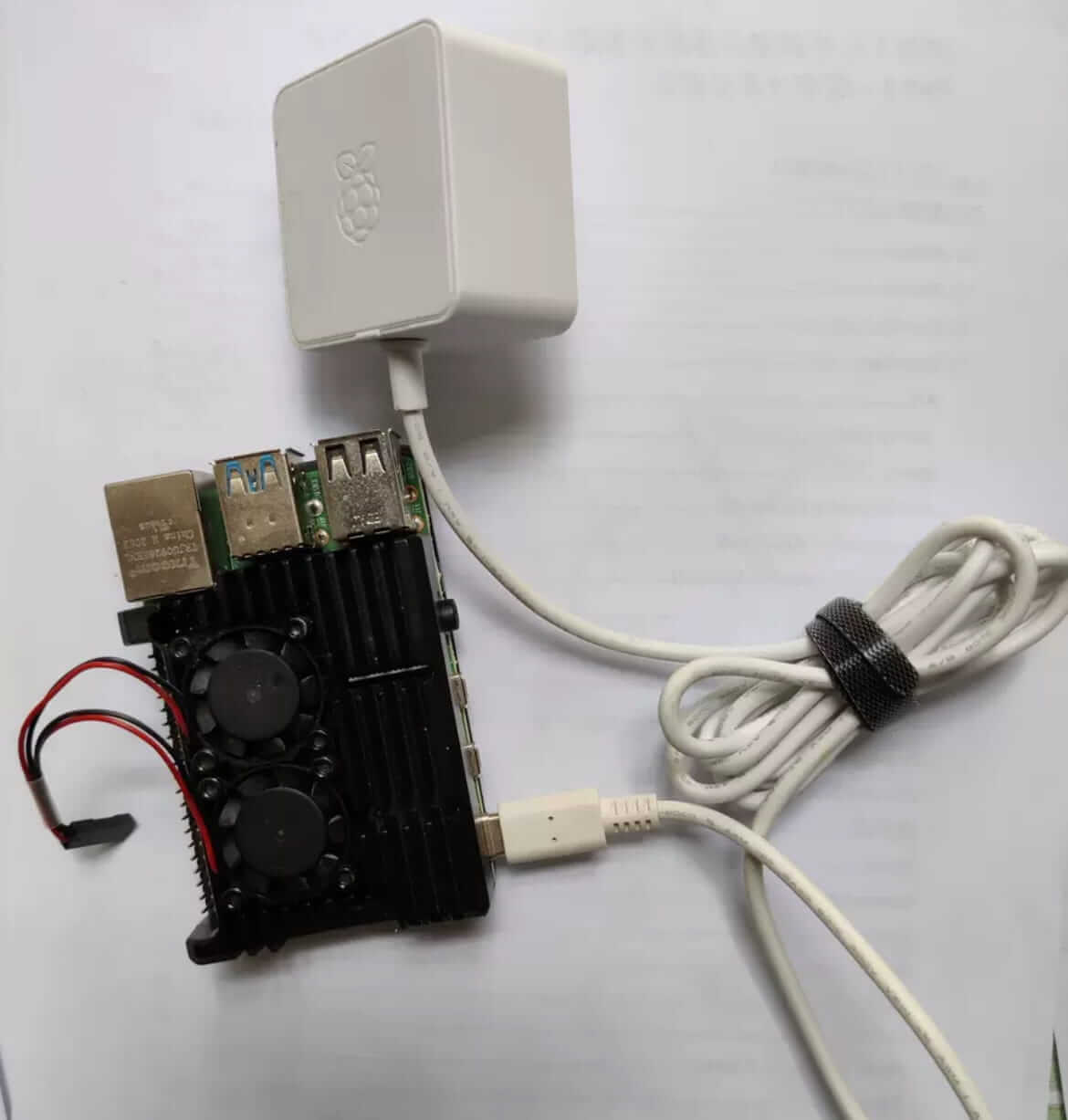
Raspberry Pi 4B
For example, with the Raspberry Pi 4B, during tinkering, I found the read/write speed of the TF card to be really poor. Running some simple demo services had terrible performance. After optimizing again and again, I finally realized I was like modifying a bicycle and then trying to compete with a motorcycle in speed.
While playing with Docker Nextcloud, this thing wasn’t just about popular resource images like Nextcloud; the compatibility and richness of ARM container images compared to x86 architecture images were incomparable. Besides, you also have to consider version compatibility issues like ARM v3, v7, etc. Although the ARM Docker Nextcloud mounted a converted laptop hard drive and configured private cloud NAS functionality, after trying it, I felt it was okay. But after a few hours of cooling down, considering the fragility of the TF card, data storage redundancy, and the unreliability of the Raspberry Pi hardware itself, I finally abandoned this solution and bought a branded NAS device.
Many third-party vendors use the characteristics of industrial ARM products to promote the Raspberry Pi 4B deceptively. After tinkering with the Raspberry Pi, I sold it second-hand without hesitation. After a year of intermittent tinkering, all that remained were painful experiences related to the Raspberry Pi. Cheap price, poor performance, very limited applicable scenarios. It’s a good ARM toy, but I hope for breakthroughs in hardware in the future.
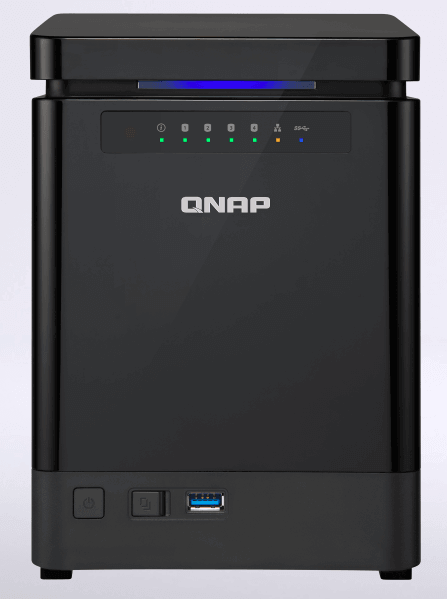
QNAP NAS
QNAP’s TS-453mini with 8GB RAM and four bays is quite easy to use, with two 4TB WD Red drives in RAID1. Compared to many domestic clouds, it’s quite good in terms of privacy, cost, and convenience. With DDNS, you can even run virtual machines and use it as a public cloud. If the data volume is very small, considering future asset digitization, lightweight needs, cost redundancy, etc., I gradually plan to host on reliable cloud vendors. QNAP is not very suitable for me with a small data volume at present; buying this private cloud NAS in advance was an impulse purchase.
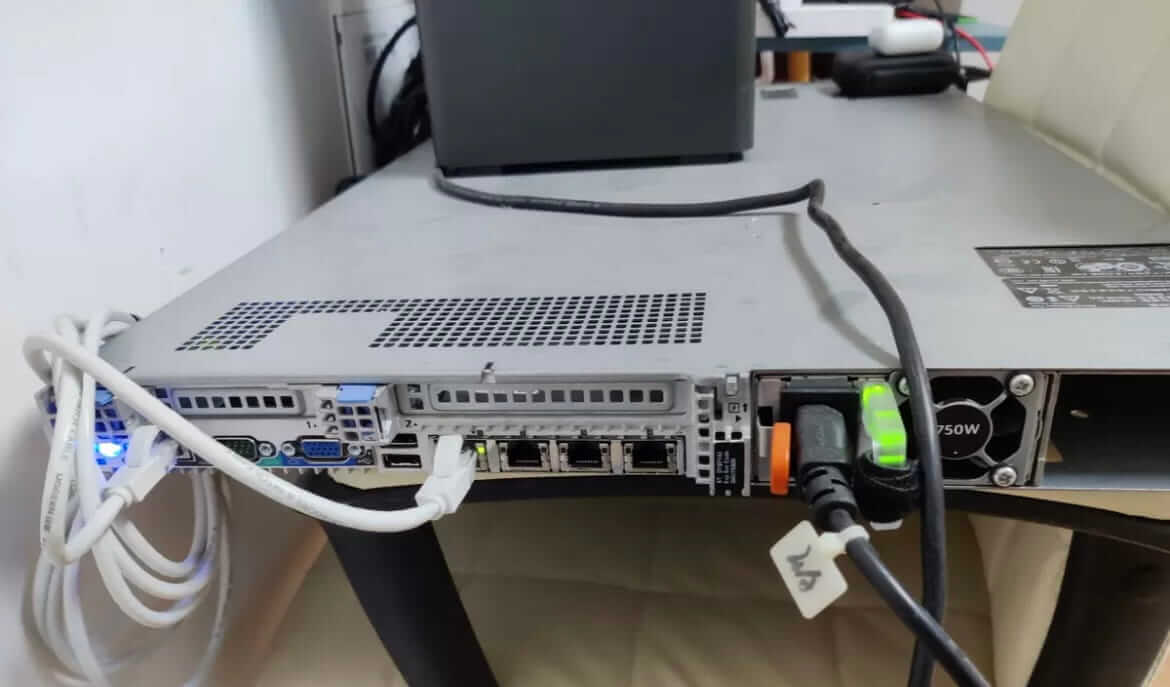
DELL R620
What I regret most is the DELL R620. At the time, I thought I could have many server resources at my disposal, but the reality is that I only power it on when researching specific projects. Usually, it’s turned off. If running 24/7, the electricity bill is terrifying, as the power supply is 750W and the operating power is generally around 300W. Imagine, companies consider data security issues and various approval processes, so they will never allow you to rack your own server for internal use. Also, with so much overtime, the actual usage time for personal use is really short.
If you need to do additional research, temporarily using Vultr’s paid test resources is actually a more cost-effective approach. The DELL R620 is also listed on Xianyu (second-hand platform). Current mini x86 PCs, such as ThinkCentre M720Q, Beelink, Minisforum, etc., are good alternatives in this scenario. NUCs with too much brand premium are not suitable.
Afterword
During the tinkering process, things that were unclear gradually became clear. For example, when the actual demand frequency is not yet clear, should you go all-in at once or explore step by step? When using cloud services, I became very price-sensitive and thus more precious about using server resources. I’m no longer as wasteful as before. Some things cannot be saved; some can only be understood after spending money to experience them. I believe that people who know how to buy clothes definitely have more failure experiences than those who don’t. This ability requires practice to accumulate, not innate.
Earlier, I built a high-performance workstation at a high price, planning to use it for a long time, maybe ten years if it could last. Now, after only four years, its performance is no longer sufficient, and its value has depreciated significantly. Some tasks are starting to struggle. I deeply realize that a built machine should meet your needs for the next two or three years; after that, just replace it. Never think that electronic products will last a long time. Don’t go for the highest configuration; choose one that smoothly realizes your ideas, is suitable, and has some redundancy potential.
Nowadays, serverless is prevalent. Many cloud vendors like Aliyun, Cloudflare, AWS, etc., have excellent free cloud services. There are also many open-source free/commercial services for you to choose from. Try these first to broaden your horizons. Only when you truly need them through practice should you consider gradually purchasing, which can save you a lot of money.
Don’t start by trying to imitate a beautiful and luxurious homelab; it doesn’t have to cost a lot of money to be good.
What has been explored and verified over the long term, and suits you, is the best.
Comments